
Remote and Hybrid Learning
Distributed teams, one programme.
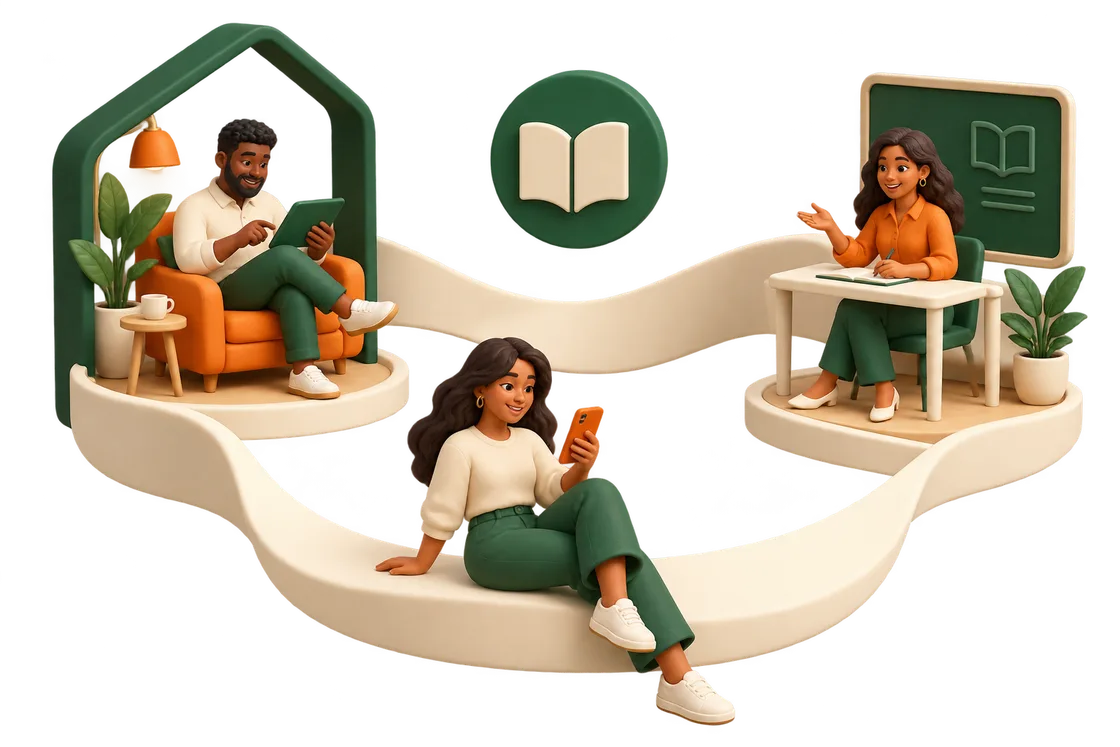
In-app video conferencing, classroom locations and mobile-optimised learning cover every way your people actually work.
The problem
What usually goes wrong.
- Remote staff get a lesser version of the programme
- Live sessions happen in a tool disconnected from the LMS
- Field teams cannot practically learn at a desktop
Capabilities used
What this is built from
- In-app video conferencing
- Classroom locations
- Mobile-optimised learning
- Community forum
- Learning paths
- Reporting tools
The approach
How Tangerine365 handles it.
01
Live inside the platform
In-app video conferencing keeps the session attached to the path.
02
In-person when it matters
Classroom locations manage the sessions that happen in a room.
03
Mobile for the field
Mobile-optimised learning for people who are not at a desk.
Products in play
The products doing the work.
Tangerine Live
In-app video conferencing and classroom locations, so instructor-led sessions sit in the same place as the rest of the programme.
Explore Tangerine LiveTangerine LMS
Structured learning for the whole organisation. Courses, learning paths, competencies, enrolment rules and certificates, all administered from one place.
Explore Tangerine LMSNext step
See how Tangerine365 works for your organisation.
Book a live, personalised session built around your organisation’s learning needs. Share your programme, workflow, or requirements, and we’ll show you how Tangerine365 can support them.